Introduction
Gymscribe is an open source advanced gym membership management app for gym owners to track and manage memberships easily. carefully created with vanilla css and PostgreSQL using various libraries.
Gymscribe is different because you can run it locally by downloading the source code and host it on your own server.
Gymscribe is free for everyone.
Welcome to Gymscribe!
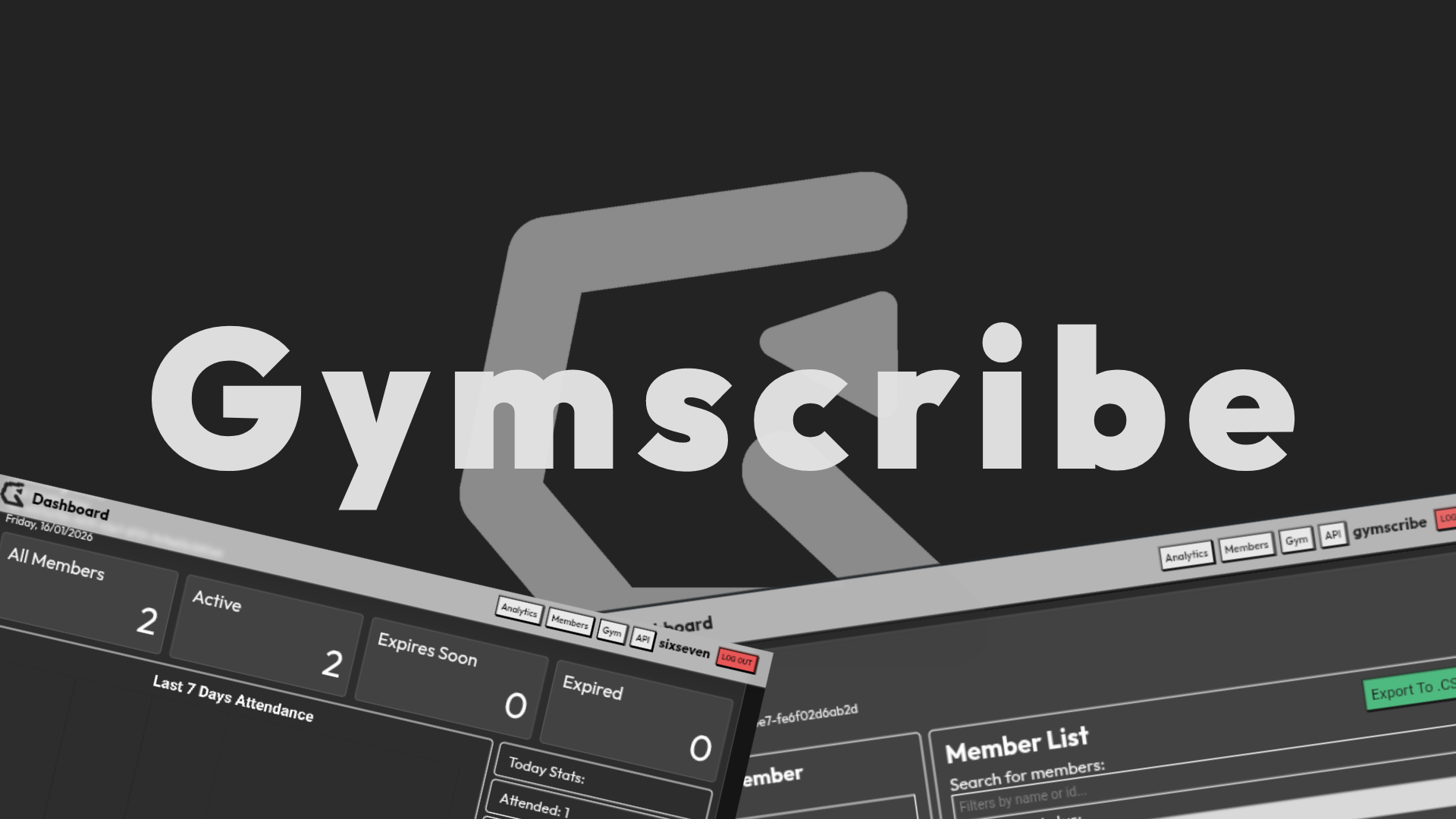
Features
Gymscribe have various of features enough to manage a small and scalable gyms.
List of Gymscribe features:
- JWT Authentication
- PostgreSQL Database
- Altcha Captcha
- Manage Members (CRUD)
- Members Data Analytics
- Export Members To .CSV
- Journals + Save To DB
- Attendance System
- Attendance Data Chart
- /GET RESTAPI For The Gym Data
- Advanced gym tools
- And Many Other Stuff!
Tech Stack
Gymscribe is made using standard and modern technology.
List of tech stack used:
- HTML
- CSS
- Javascript
- NodeJS
- Express
- Prisma
- Neon
- PostgreSQL
- Altcha
- Chart.JS
- Vercel
- Railway
- etc.
Ideas
The ideas and vision of Gymscribe :)
I was wondering why there is no such thing as easy and quick gym manager for every gym owners? well, introducing... Gymscribe! a free and open source gym membership manager because we belive managing memberships doesn't requires a subscriptions. ♥️
Install
This section will explains step by step on how to install Gymscribe on your own device/server/vps or deploy it somewhere online.
This section will also explains how to configure and setting things up to make yout own Gymscribe run.
Install Frontend
This is guide for installing the Gymscribe frontend and run it locally.
1. Install VS Code and Git.
(You can use any code editor).
2. Clone Gymscribe files using Git in your terminal.
git clone https://github.com/alarixfr/gymscribe.git
3. Open the folders in your code editor.
Using terminal:
cd gymscribe
4. Configure the ./assets/js/handler.js.
Adjust the DASHBOARD_URL, LOGIN_URL variable to correct html path or url.
5. Open index.js in your browser or use Live Server.
Important: If you have your own API or cloned Gymscribe API, you can connect it by configuring the ./assets/js/handler.js file, right in the API_URL variable.
Install Backend
You can modify how things go inside your own Gymscribe by running the server locally.
1. Install Node.js latest version.
2. Clone Gymscribe backend files using Git in your terminal.
git clone https://github.com/alarixfr/gymscribeBackend.git
3. Open the folder in your code editor or terminal:
cd gymscribeBackend
4. Install dependencies in your terminal:
npm install
5. Create a Neon database:
Go to https://neon.tech/.
Then create a new account or login to an existing account.
Create a new project and pick any/closest region.
Copy the connection string.
Keep your connection string private!6. Create .ENV:
Create a new .env file inside the project folder.
Terminal:
touch .env
Copy, paste in the .env file and modify it:
# Database DATABASE_URL="paste_your_neon_url_here" # JWT Secret (change this to random string) JWT_SECRET="random-string-change-this-abcdef" # Altcha Secret (for CAPTCHA) ALTCHA_SECRET="random-string-change-this-abcdef" # Port (optional, defaults to 8080) PORT=8080
7. Initialize Database:
npx prisma generate
then,
npx prisma migrate dev --name init
8. Run the server:
npm start
🎉 DONE!!
You now have the server runs locally, you can modify the code yourself or deploy it using VPS!
Make sure you already configure the ./assets/js/handler.js variables in the Gymscribe Frontend folders if you are using it locally too!
API
Integrate your gym data into another application with Gymscribe API.
1. Login into your Gymscribe account.
2. Go to API page in the dashboard navbar.
3. Find the Copy Token button and click it to copy your token.
4. Find the URL and copy the link.
5. Test it by opening the URL in your browser.
V1
1. Fetch the gym info:
url/api/v1/gym?token=(your token)
Replace url with the copied api url.
Replace (your token) with your copied account token.
Response:
{ success: true, "id": "String", "name": "String", "description": "String", "owner": "String", "address": "String", "timezone": "Integer" }
2. Fetch the gym members data:
url/api/v1/gym?token=(your token)
Response:
{ success: true, "membersCount": { "all": "Integer", "active": "Integer", "expiresSoon": "Integer", "expired": "Integer" }, "membersList": [ { "id": "Integer", "name": "String", "plan": "String", "status": "String", "duration": "Integer", "isAttended": "Boolean", "timestamp": "String", "details": { "email": "String", "phone": "Integer", "birthday": "Integer", "note" "String" } } ] }
3. Fetch the gym saved last 7 days attendance data
url/api/v1/attendance?token=(your token)
Response:
{ success: true, attendance: { "day1": { "attended": "Integer", "absence": "Integer" }, "day2": { "attended": "Integer", "absence": "Integer" }, "day3": { "attended": "Integer", "absence": "Integer" }, "day4": { "attended": "Integer", "absence": "Integer" }, "day5": { "attended": "Integer", "absence": "Integer" }, "day6": { "attended": "Integer", "absence": "Integer" }, "day7": { "attended": "Integer", "absence": "Integer" } } }
Don't share your token! keep it secret for your account safety.
You can also put your token in Authorization inside headers (recommended for security)
Security And Privacy
Your data is stored in 3rd party database. We can't guarantee the safety of your account and gym data. We suggest installing Gymscribe locally to ensure yout data safety.
Even though we have Altcha captcha in our login system, Gymscribe is still vunerable from various cyber attacks.
By installing Gymscribe locally, you are running your own service and you have full control to privacy.
License
Gymscribe is licensed under Apache License 2.0.
In short, you are free to use it for almost any purpose, including personal and commercial products.
You may copy the code, modify it, extend it, and redistribute it. You are also allowed to use it alongside proprietary or closed-source code, this mean you are not required to open source your entire application.
Keep in mind that there are a few required conditions if you redistribute the original code or in modified version. You must keep the original copyright notice and include the Apache License 2.0 text, and you must clearly indicate any changes you have made.
You may not claim the original work as entirely your own, nor may you use the project's name, logo, or branding in a way that implies official endorsement or ownerships.
Gymscribe is provided "as is," without warranties of any kind. The author makes no guarantee and is not liable for bugs, data loss, or any damage caused by the uses.